Buttons changing size
Posted: Wed Oct 03, 2012 5:50 am
I put some buttons in a screen footer and used a grid to position and size them. Looks the way I want it in designer but when I test it they change size. Any ideas ?
Catch up wih the Appery.io community on our forum. Here you'll find information on the lastest questions and issues Appery.io developers are discussing.
https://forum.appery.io/
I put some buttons in a screen footer and used a grid to position and size them. Looks the way I want it in designer but when I test it they change size. Any ideas ?
Hello! Could you send us a screenshot?
Hope this works
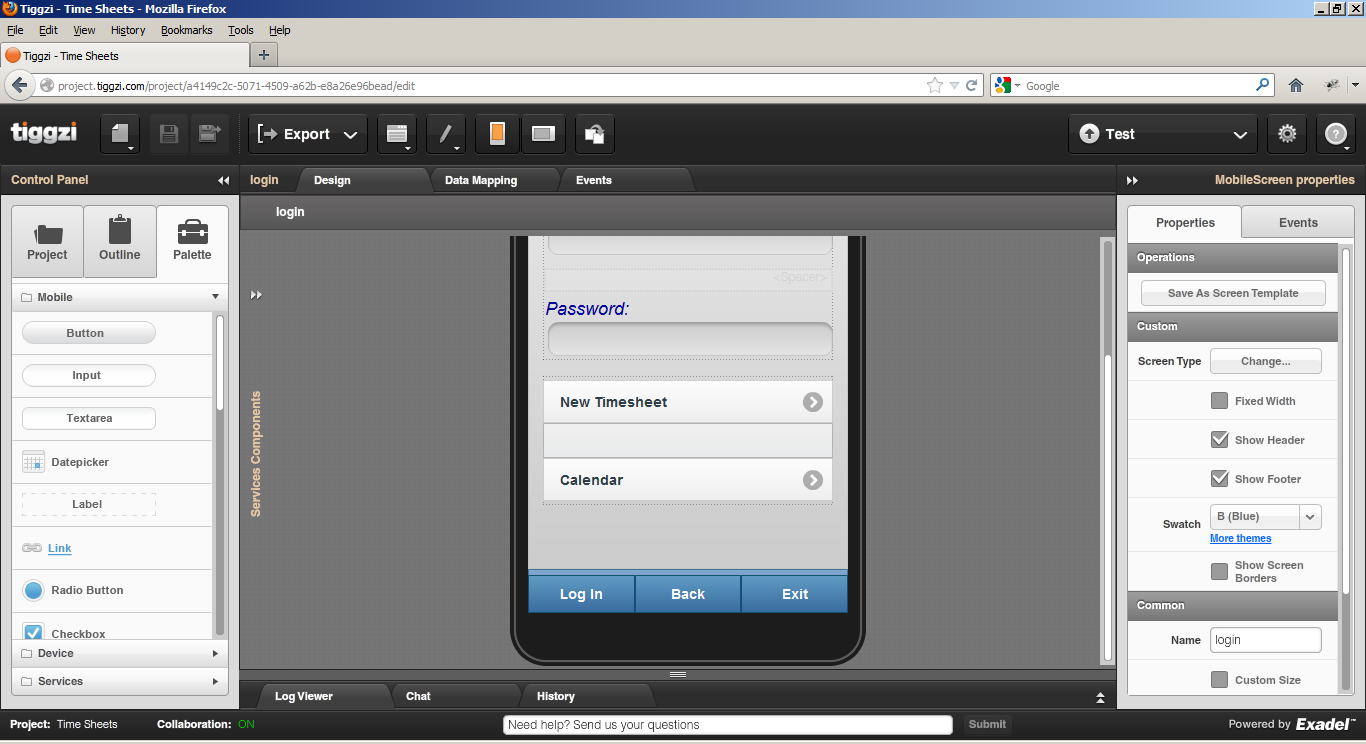
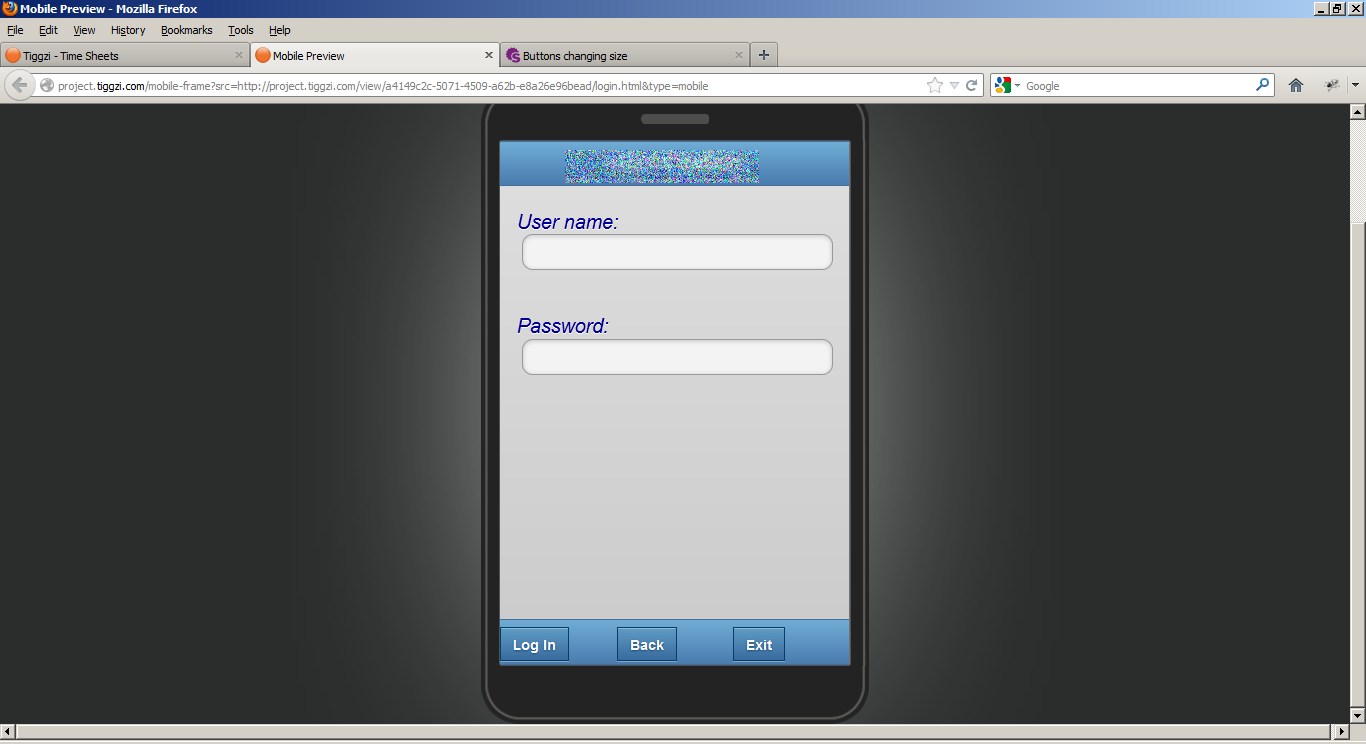
Thank you! We'll fix it.
That would be great. Thank you
Just briefly. Whats the status of this fix ? Any idea when ?
Working on it...
Hello! Here is a workaround:
create Custom CSS and enter the next code:
html body .ui-footer div[class*="_wrapper"] .ui-btn {
display: block;
}
html .ui-mobile-viewport .ui-footer div[class="mobilebutton"][class="_wrapper"] {
float: none;
}
You'll get this on preview:
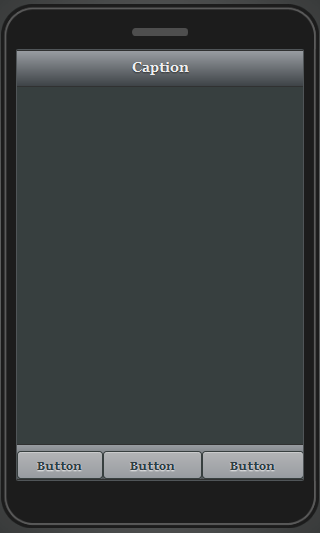
I would suggest you to use NavBar component - it provides the same buttons and they fit nicely.
This should be now fixed.