Page 1 of 2
Resize Carousel images ti fit device screen
Posted: Wed Dec 25, 2013 12:56 pm
by Ivan6481911
Hello. I have an issue regarding Carousel component image size. Now it looks like on attached screen. I would like to know, how can I set size to fit different screen sizes. I want the image (or carousel entire) to scale defining screen width. For example, if screen width = 480, images are 400 width; if screen width = 800, images width = 720. Can this be done automatically or I have to check in code every time? Please, give me some example how to customise width and height.
Other components must resize also (audio and HTML) -I think this must be similar.
Thanks! 

Resize Carousel images ti fit device screen
Posted: Wed Dec 25, 2013 1:21 pm
by Ivan6481911
I have to set width and height manually, right?
Get screen size;
calculate size of image and carousel
set size of image and carousel.
Can you help me with 1 and 3, please.
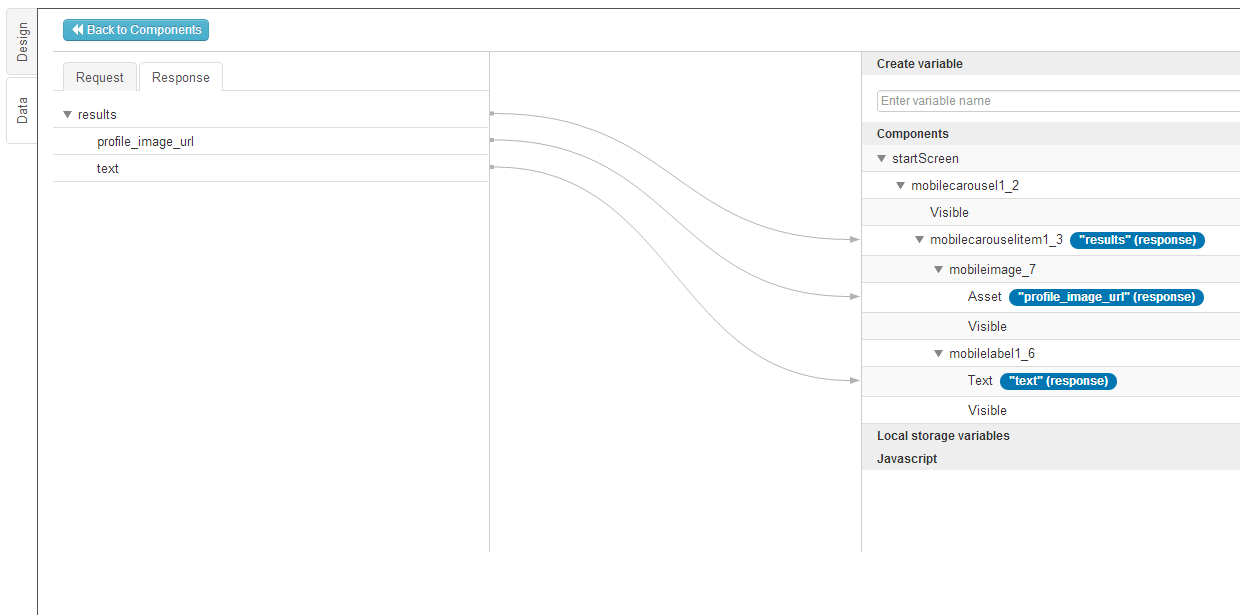
I set images with mapping, like here - https://d37wxxhohlp07s.cloudfront.net...
Thanks!
Resize Carousel images ti fit device screen
Posted: Wed Dec 25, 2013 1:49 pm
by Ivan6481911
I found that carousel is resizing its width automatically. I use
element.css('width', '100%');
element.css('height', '100%');
for image in mapping.
Carousel width is calculating automatically, but height must be calculated and set manually, correct ? How can I get screen dimensions to set it in localStorage variable and make calculation ?
Resize Carousel images ti fit device screen
Posted: Wed Dec 25, 2013 1:54 pm
by Kateryna Grynko
Hi Ivan,
Please try this custom CSS:pre
.ui-carousel-box{
height:auto;
padding-bottom: 50px;
}
.ui-content{overflow-x:visible;}
.ui-carousel {
overflow:visible;
}/pre
Resize Carousel images ti fit device screen
Posted: Wed Dec 25, 2013 2:40 pm
by Ivan6481911
Thanks for the reply, Katya, but it doesn't work for me.
I just added to style.css your code;
I also set class name of the carousel to ui-carousel-box
But it doesn't do anything.
Resize Carousel images ti fit device screen
Posted: Wed Dec 25, 2013 2:47 pm
by Ivan6481911
Resize Carousel images ti fit device screen
Posted: Wed Dec 25, 2013 4:23 pm
by Ivan6481911
I found out that only height, set in interface builder works.
Resize Carousel images ti fit device screen
Posted: Wed Dec 25, 2013 5:09 pm
by Maryna Brodina
Hello! Instead CSS we've suggested try to use JS. Set for image inside Carousel Dimension 100% 100%. On page Show event run the following JS: prevar dimension = $(window).width()-50;
$("[dsid=carouselName]").attr("style", "height: "+dimension+"px !important;");/prewhere carouselName - name of your Carousel
Resize Carousel images ti fit device screen
Posted: Thu Dec 26, 2013 9:55 am
by Ivan6481911
 Great!!! It works. But I want to calculate height relatively to img width. The question is, how to get width. for example
var img = Appery('myImg');
var width = img('width');
this width returns me string "111px" as result. But I need int. How can I get it? Thanks!
Resize Carousel images ti fit device screen
Posted: Thu Dec 26, 2013 10:42 am
by Ivan6481911
I got it by myself.
Thanks again!!!